

StreamStack
Never miss a Substack Livestream again.

I keep missing my favourite livestreams. I either miss Substack’s push notification in the app, or I don’t get one at all. And I always miss the emails.
So I made StreamStack.
StreamStack is a really simple alert system that pushes a notification to your phone or desktop (wherever you enable it from) the moment a livestream is about to start, for the authors added and that you toggle on.
Works on iPhone, iPad, Android, Mac and Windows — no App Store download needed.
iPhone & iPad: simply follow instructions at StreamStack, also detailed below for Safari browser specifically. Requires iOS 16.4+ (any current iPhone).
Mac & Windows: open in Safari, Chrome, Edge or Firefox and tap Allow. No install.
Android: open in Chrome, Edge or Firefox and tap Allow. No install.
On iPhone:
Open StreamStack in Safari
Tap the Share icon (or the ••• menu) → Add to Home Screen
Open StreamStack from your Home Screen → tap Enable Alerts
Choose your authors. Done.
On Mac, Windows or Android: open the link and tap Enable Alerts → Allow.
That’s it. StreamStack sits quietly in the background and taps you on the shoulder when something’s live.
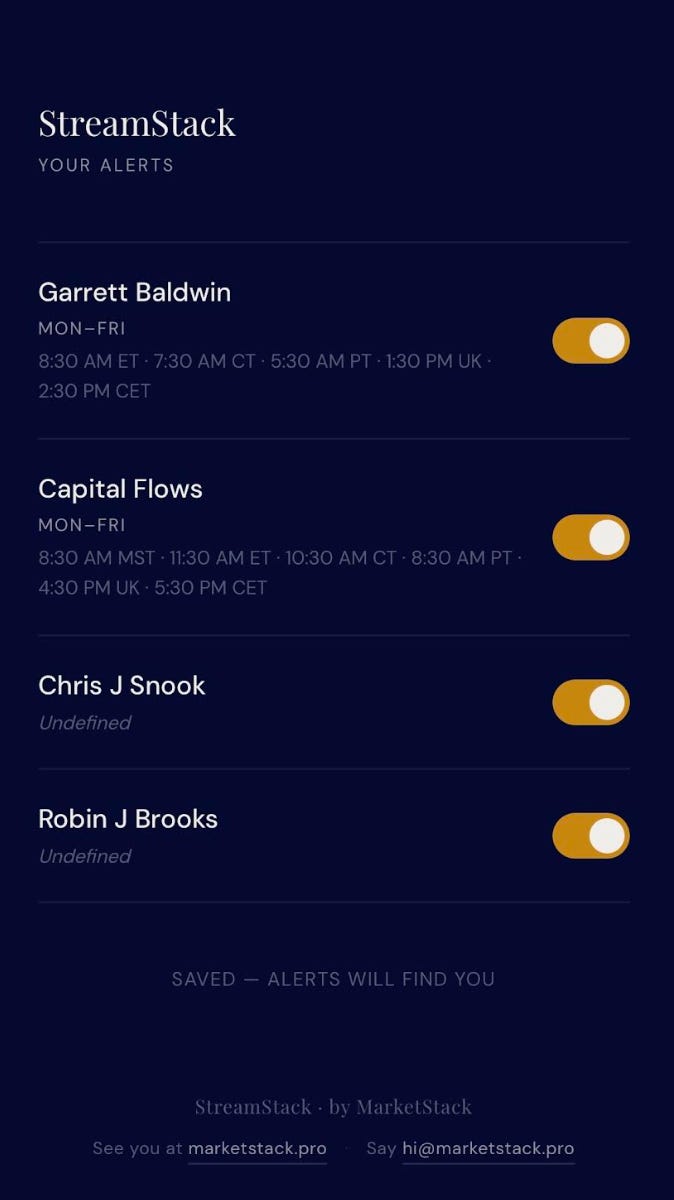
The notifications fire according to a pre-defined schedule so it might not always be accurate (if the author cancelled last minute, for example). But if you follow these authors, you’ll know they consistently stream. Some at regular times, others at changing times. I will manage the schedule as best I can. You can toggle on or off which authors you’d like to receive notifications for.
When you click on the notification it takes you to the author’s Substack. Or you can navigate as you please and simply use it as a reminder only.
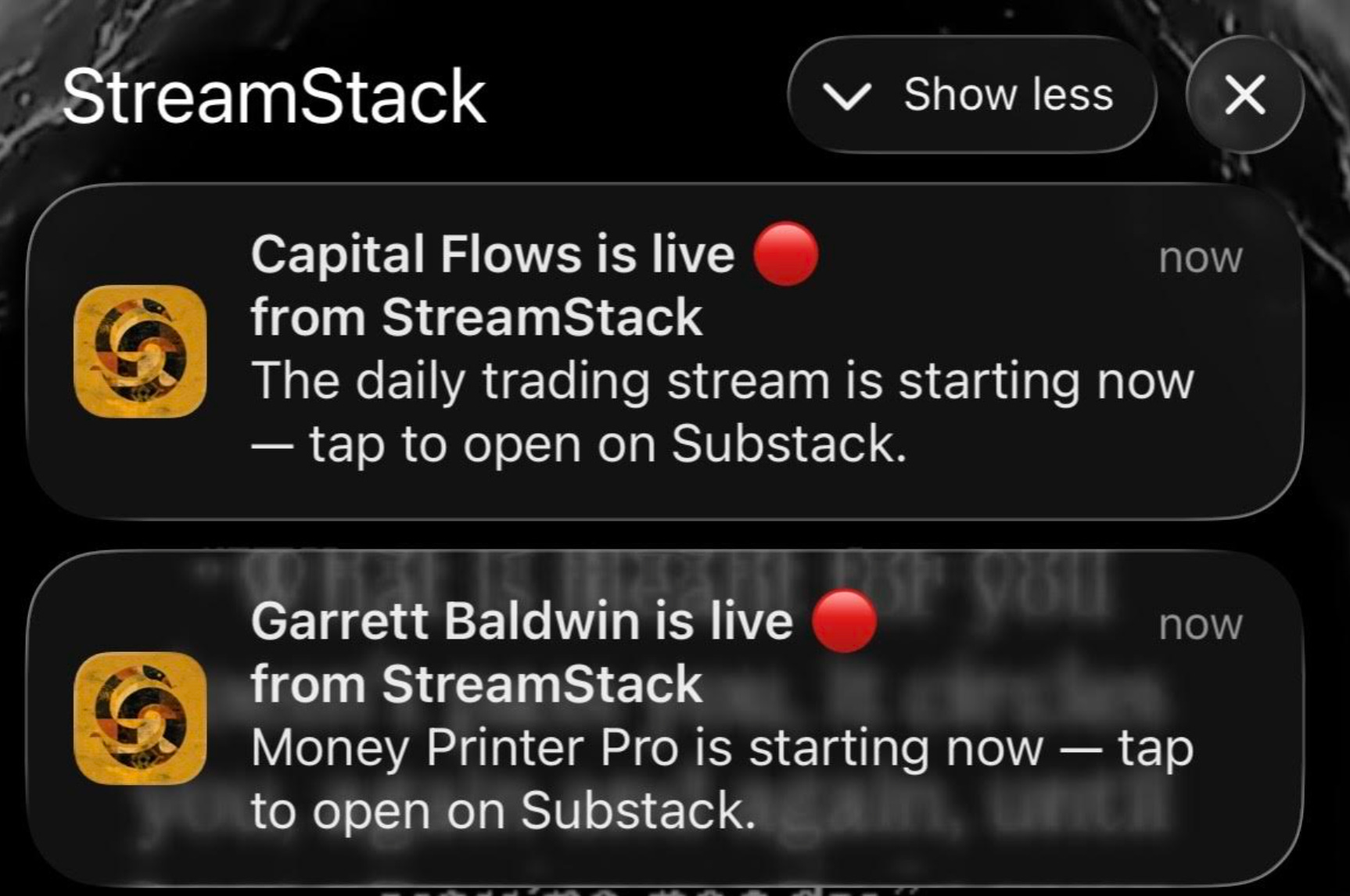
If you’d like me to add any authors, or if you have any issues installing, you can reach me at hi@marketstack.pro
Thanks for being here.
MarketStack.